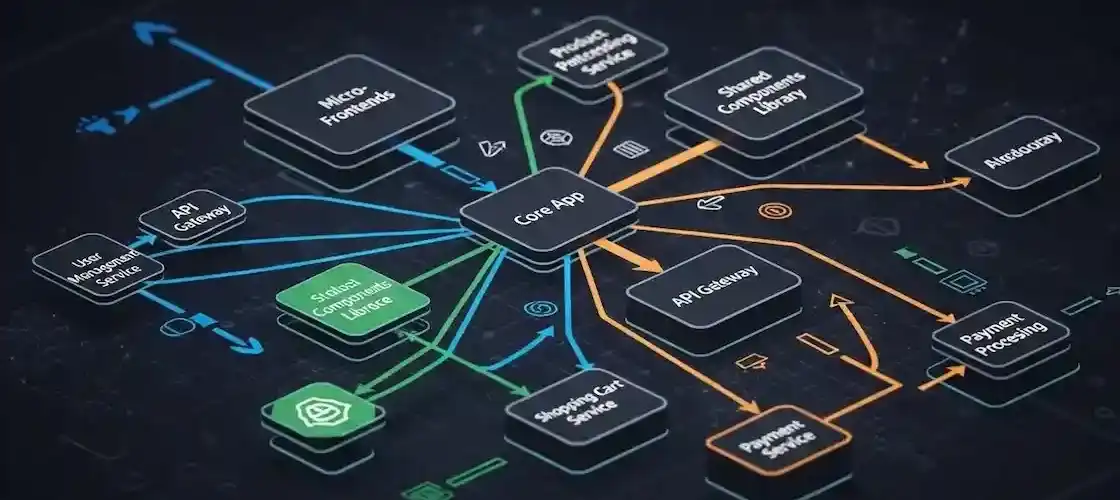
As a website or application grows, it becomes increasingly difficult for design and development teams to maintain consistency. Different pages, different button colors; different developers, different code structures... This inconsistency both undermines user experience (UX) and increases technical debt. The solution adopted by modern technology giants to resolve this chaos is now in place: Design Systems.
🏗️ What is a Design System? What is it Not?
Simply put, a design system is a single, unified source of design and code standards for all of a brand's products, not just one product or project. However, a design system is not just a UI Kit or a Style Guide.
🎨 UI Kit
It is merely a collection of reusable visual elements (buttons, forms). These are the building blocks of design, but they do not contain rules.
📖 Style Guide
It documents design rules (color palettes, typography), but does not provide information about code. It is the brand's visual language.
🚀 Design System
It is a living product that includes visual elements, coded components, and the principles and guidelines that explain when and why to use them.
⚛️ Core Components and Atomic Design
Most design systems are based on the "Atomic Design" methodology. This approach breaks down interfaces into five stages, allowing us to understand how small and fundamental each component is:
1. Atoms
Basic HTML tags (button, input field).
2. Molecules
Combination of atoms (search form).
3. Organisms
Combination of molecules (header component).
4. Templates
Representation of page structure with placeholders.
5. Pages
Templates filled with real content.
💡 Why Should You Use Design Systems?
⚡ Speed and Efficiency
Developers do not need to write buttons from scratch or designers to redefine colors. All components are ready, which can speed up development cycles by up to 30%.
📏 Maximum Consistency
It enables different teams to speak the same language. Any change made to a component is instantly reflected across all products, ensuring the brand identity speaks with a single voice.
🎯 Quality and Focus
Developers focus on the logic of the job and solving critical issues rather than designing basic components. The use of tested components reduces the error rate.
🛠️ Maintenance and Scalability
If the color of a button is to be changed, this change is made only in the source file of the design system, and all projects are automatically updated.
🚀 How to Start Creating a Design System?
Creating a design system is a large project and cannot be completed overnight. The best approach to start with is:
1. Review Your Current Inventory
First, list all the elements on your current website (buttons, cards, colors) and identify inconsistencies.
2. Define the Basics (Atoms)
Standardize the color palette, typography (font types and sizes), and spacing scale.
3. Most Used Components
Code and document the most frequently repeated components (Buttons, Input Fields, Cards).
4. Keep Documentation Alive
Publish the design system on a central platform like Figma, Storybook, or Confluence, and inform the entire team of every update.
✅ Conclusion: Building Products, Not Just Writing Code
Design systems allow development teams to move away from "writing code" and focus on "building products" and user value. If your project is scaling and multiple designers/developers are working on the same product, inconsistency is inevitable. The design system is the most powerful way to overcome this inconsistency with discipline and efficiency.
Investing in a design system is not investing in your code, but in your future.