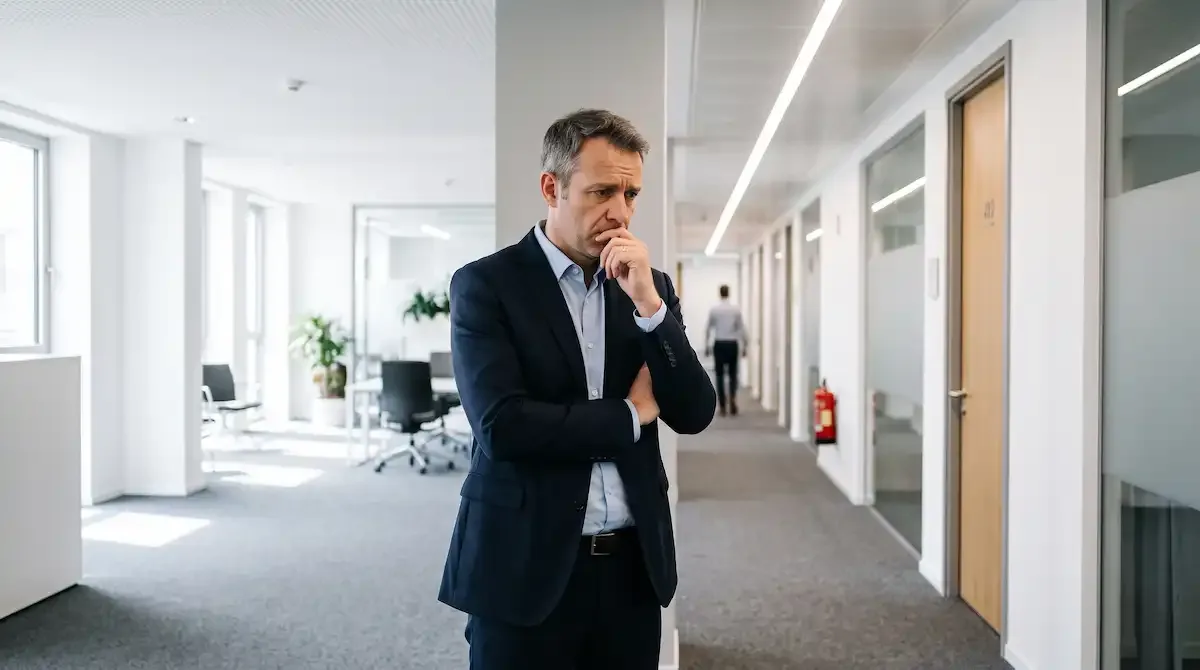
What's the first question that comes to mind when you open your website? "Can I trust this site?" People subconsciously try to answer this question from the moment they enter a website. If their answer is "no", they'll close the tab and turn to your competitors within seconds. Trust is the biggest key to sales in the digital world.
Users Judge You in 0.05 Seconds
Research shows that users form their first impression about a website in 0.05 seconds. This period is an unconscious trust assessment that begins with the loading of your page. It's almost impossible to win back a customer lost in this short period.
Speed = Trust
A site that loads slower than 3 seconds is coded as "unreliable" in the visitor's mind. Users perceive slow sites as amateurish, neglected, and even insecure.
Design = Authority
An outdated design sends the message "this business is not updating itself" to the visitor. A site that doesn't look professional creates the impression of unprofessional service.
SSL = Necessity
Chrome marks non-HTTPS sites as "Not Secure". 85% of users abandon a site after seeing this warning. An SSL certificate is no longer a luxury, but a minimum standard.
Mobile Compatibility = Reliability
A site that looks broken on mobile creates the impression that the business doesn't care about its customers. With 60% of traffic coming from mobile in Turkey, a mobile-incompatible site is a significant trust loss.
The Cost of Lack of Trust is High
Lack of trust is not just about losing visitors, but also direct revenue loss. Here are the facts shown by the numbers:
A Stunning Statistic
According to the Stanford Web Credibility study, 75% of users evaluate a website's credibility based solely on its visual design. The decision is made before the content is read or the code is executed.
Lack of Contact Information
Businesses without a clear address, phone number, or email on their website have 44% lower trust rates. A non-transparent business raises suspicion.
Outdated Content
A blog post published in 2019 or a notification from last year gives the visitor the feeling that the site has been abandoned. Regular updates create the impression of an active business.
Lack of References and Reviews
A site without customer reviews or references cannot provide social proof. People hesitate to pay for a service when they can't see others' experiences.
No Privacy Policy
Sites without a privacy policy and KVKK create serious trust issues, especially for users who need to fill out forms. The fear that their data won't be protected prevents conversion.
6 Rules for Building Digital Trust
Building trust may seem complex, but it's possible to progress systematically with the right steps. Here are the 6 critical steps to make your web engineering infrastructure reliable:
1. SSL and Security Certificates
HTTPS protocol is no longer a preference, but a necessity. An SSL certificate not only provides data encryption but also gives an advantage in Google rankings. A security layer supported by a well-established infrastructure sends a "this is safe" signal to the visitor.
2. Transparent Contact Information
Clearly display your address, phone number, and email in the footer and contact page of your site. Physical businesses are perceived as more reliable in the digital world.
3. Real Customer References
Customer reviews, case studies, and success stories are the strongest form of social proof. By reviewing our completed projects, you can see how we work.
4. Up-to-Date and Original Content
Regularly updated blog posts, news, and announcements show that your site is alive. Adding new content at least once a week proves to both visitors and Google that you're active.
5. KVKK and Privacy Policy
It should be clearly stated how user data is collected, processed, and protected. The cookie notification and informative text are not only a legal requirement but also an important part of building trust.
6. Professional Design and Speed
A modern, mobile-compatible, and fast-loading design sends the message "this business takes its work seriously" to the visitor. With the right infrastructure and optimization, the trust gained from the first impression directly affects conversion rates.
Test Your Website's Trust Score
To measure how your website creates a trust impression on your visitors, ask yourself these questions:
Trust Checklist
- Is your SSL certificate active and is HTTPS working?
- Do you have an address, phone number, and email on your contact page?
- Has your site design been updated in the last 2 years?
- Does your site look good on mobile devices?
- Is your privacy policy and KVKK text published?
- Are customer references or reviews visible?
- Is your blog or news section regularly updated?
- Is your site speed less than 3 seconds?
Conclusion: How Many Points Did You Score?
7-8 yes: You're in a good position in terms of trust. You can increase conversion with fine-tuning.
4-6 yes: You're at moderate risk. You may need a professional roadmap to complete the deficiencies.
0-3 yes: You need urgent action. A significant portion of your potential customers is leaving your site due to lack of trust.
Get a Free Audit of Your Website's Trust Infrastructure
With Pixmons' free SEO audit tool, you can analyze your website's security, SSL status, and technical infrastructure in seconds. Identify the missing security measures and learn what to prioritize. If you wish, we can ensure your infrastructure with our web engineering services.
Start Free SEO AnalysisFrequently Asked Questions
Is having SSL on my website enough?
Having SSL alone is not enough. Security badges, privacy policy, contact information, and professional design all contribute to creating a trust impression. SSL is just one link in the chain.
What if I don't have customer reviews?
Initially, ask your existing customers for references, prepare case studies, or showcase completed projects as a portfolio. If you have nothing, detailed content that shows your industry knowledge can also build trust.
How long does it take to build trust?
Basic steps like SSL installation and adding contact information can be completed in a few hours. A comprehensive trust infrastructure and design renewal can take 1-2 weeks.
Does a secure site rank better on Google?
Yes. HTTPS is one of Google's official ranking signals. Additionally, secure sites have lower bounce rates and higher engagement, which indirectly affects rankings positively.